What to hide from customers in B2B self-ordering
Posted in B2B sales & distribution
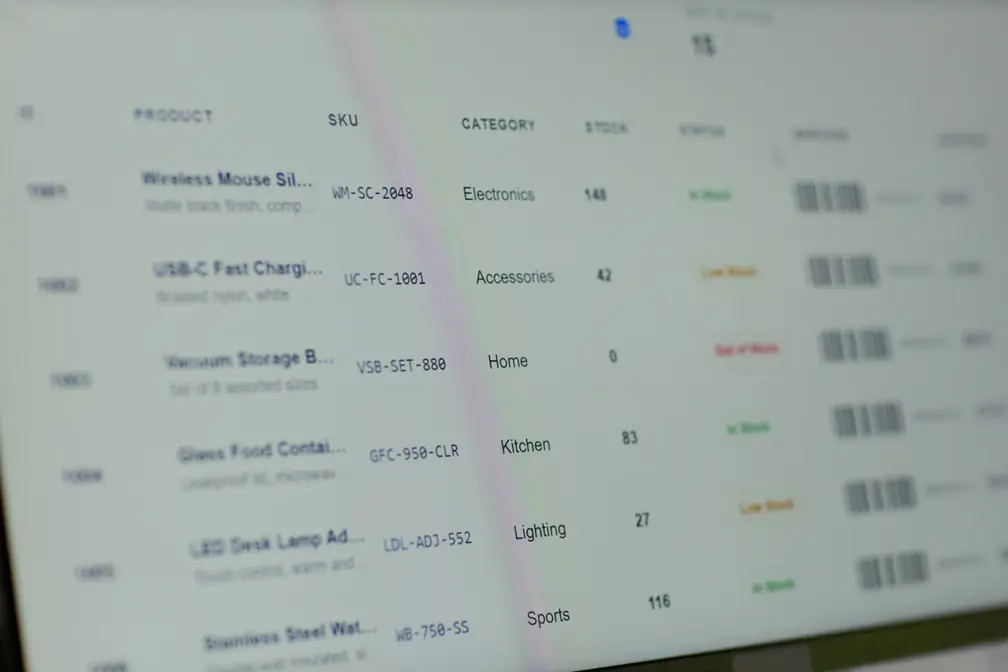
When you set up customer self-ordering, you hand your customers direct access to your catalogue. That is the point. They need to see what you offer so that they can order. But giving access does not mean showing everything. What you choose to share, and what you keep back, is a real business decision. It affects your margins, your supplier relationships, and how well your ordering process runs. The question to work through before you open it up is: what should each customer actually see?
Should customers see your stock levels?
When a customer can see exactly how many units you have left of a product, you give them information that can work against you. A customer who sees low stock may rush to order more than they need. Another may hold off, worried you cannot fill a large order. Either way, your inventory situation starts driving your customer’s behaviour in ways that are hard to predict.
Stock on hand is internal data. It reflects your reorder cycles, your supplier lead times, and how you manage your supply chain. Sharing it openly with customers does not help them buy better. It gives them a window into your business operations that most customers have no need to see.
Your sales reps need visibility into stock levels. That is a given. But that is different from putting those numbers in front of every customer who logs in to self-order. Keeping stock data visible for your reps while keeping it away from customers is a simple separation. It is worth thinking through before you go live.
What to do when a product runs out of stock
Once customers can self-order, out-of-stock products become something you need to handle deliberately. If a product shows in your catalogue with zero stock, some customers will still try to order it. If it disappears without explanation, they may think you have dropped the line entirely.
There are three common ways to handle this.
You can hide a product automatically when stock hits zero. Your catalogue then only shows what you can actually supply. This keeps things simple. But customers will not see the product at all until stock comes back in.
You can keep the product visible but mark it as out of stock. This works well when customers order from you regularly and you want them to know the product is temporarily unavailable. The trade-off is that some customers will still try to order it regardless.
The third option is to allow ordering but cap quantities at what you have available. This prevents overselling while keeping the product in your catalogue.
There is no single right answer. It depends on your product range, how often stock levels change, and how you want to manage customer expectations. Onsight supports all three approaches. You can read about each one in the guide on how to handle products that are out of stock.
Out-of-stock handling is something every distributor runs into eventually. But there is a more delicate visibility challenge that comes up for some businesses.
When a customer is also a competitor
Some of your customers may source from the same suppliers as you. This is more common in wholesale distribution than most people like to admit. In those cases, you probably do not want them to see your pricing. You may not even want them to know you carry certain products.
If a customer who competes with you can browse your full catalogue, they could work out your margins. They could discover a product range they did not know you had. That is not a conversation you want to have.
The answer is to give different customers different views of your catalogue. A customer who is also a competitor gets a narrower version. They can browse and place orders for what is relevant to their relationship with you, but they cannot see the pricing or the product ranges you want to protect.
You can do this at the individual product level, or at the category level, where an entire section of your catalogue becomes invisible for a specific group of customers. Onsight’s guide on hiding product categories from specific customer groups explains how to set this up using the bulk upload tools.
The key point is to work this out before you go live. Once a customer has seen your full pricing or product range, that knowledge does not go away.
Plan your visibility settings before you go live
Most distributors spend time thinking about what to put in their catalogue. Fewer think about who should see what, and why. But visibility settings matter just as much as the products themselves.
Before you open up self-ordering, map out your customer types. Think about what each group needs to see to place an order. Then think about what they should not see. Build your settings around your actual business relationships, not just your product data.
If you are still working through whether customer self-ordering is right for your business, the post on the role of self-service ordering in B2B sales is a good place to start.
Getting your visibility settings right before you go live saves you from some uncomfortable conversations later. It is one of those things that is easy to overlook and hard to fix once customers have already seen something they should not have.
Onsight is a B2B sales and customer self-ordering system built for wholesale distributors. It lets you control what each customer sees, from individual products to entire product categories. If you would like to see how it works for your business, sign up for a free trial of Onsight.